
Migrate this Mac.Bring only what you want.
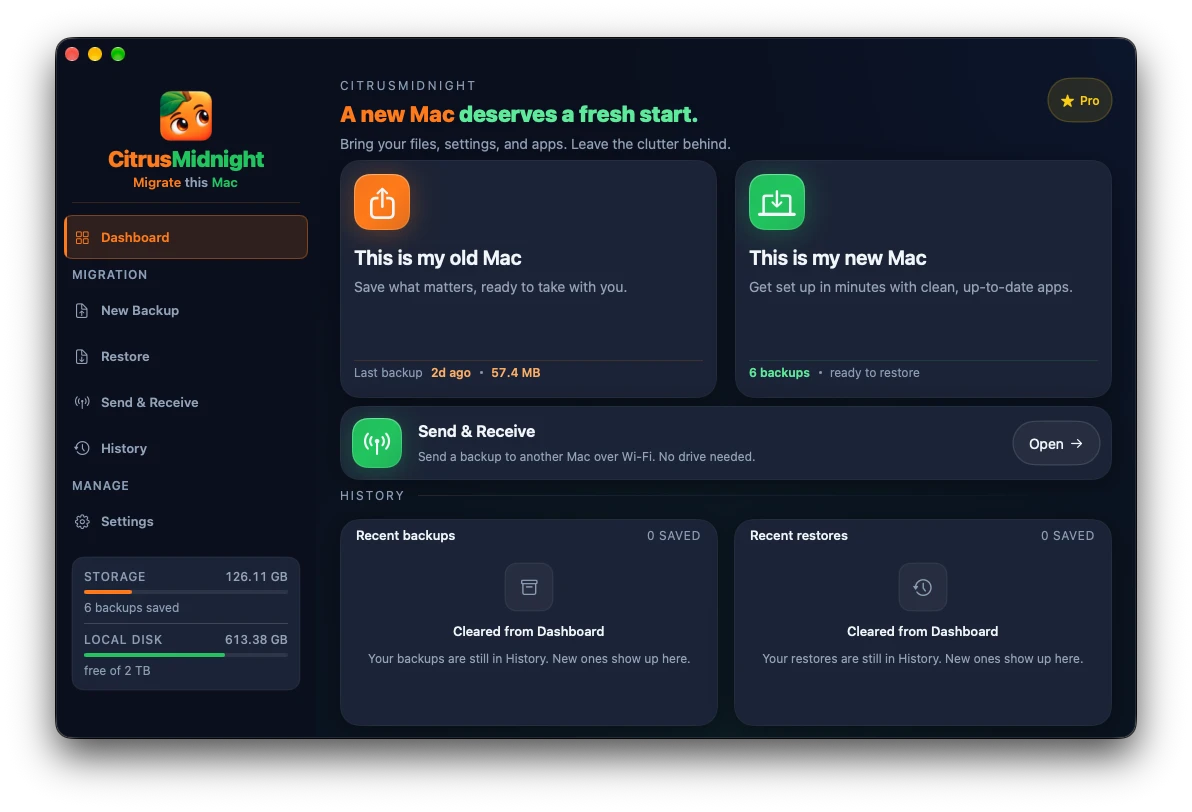
A new Mac deserves a fresh start. Pick the apps, settings, and files to move. Leave the clutter on the old Mac.
Mac-native · Coming soon
What’s on your Mac?
Tap what you use. The orange packs it up, settings and all, and leaves the rest behind.
- Pick
- Pack
- Unpack
- Done
Nine things that make it your Mac
Your settings and files, plus a fresh copy of every app. Drag a card or use the arrows.
1 of 9System Settings
1 of 9: System Settings
Your apps
Built for the Mac apps you already use
Your browsers, tools, and everyday apps come along for the move.
- Microsoft
- UTM
- iTerm2
- Apple
- Firefox
- Brave
- Zoom
- DaVinci Resolve
- Obsidian
- Google Chrome
- Slack
- Spotify
- Homebrew
- Docker
- CapCut
- Python
Names and logos belong to their owners. CitrusMidnight is not affiliated with or endorsed by them.
How it works
Three simple steps from old Mac to new.
Pick what moves
Capture your apps, settings, and files in one tidy backup.
Move to the new Mac
Bring the backup over to your new Mac.
Restore & go
Restore what you picked, and watch each item land, so you're never staring at a frozen bar.
Join the waitlist
CitrusMidnight is coming soon. Get an email when it launches.


We build practical, privacy-respecting software for macOS that helps you be more productive, secure, and in control.